
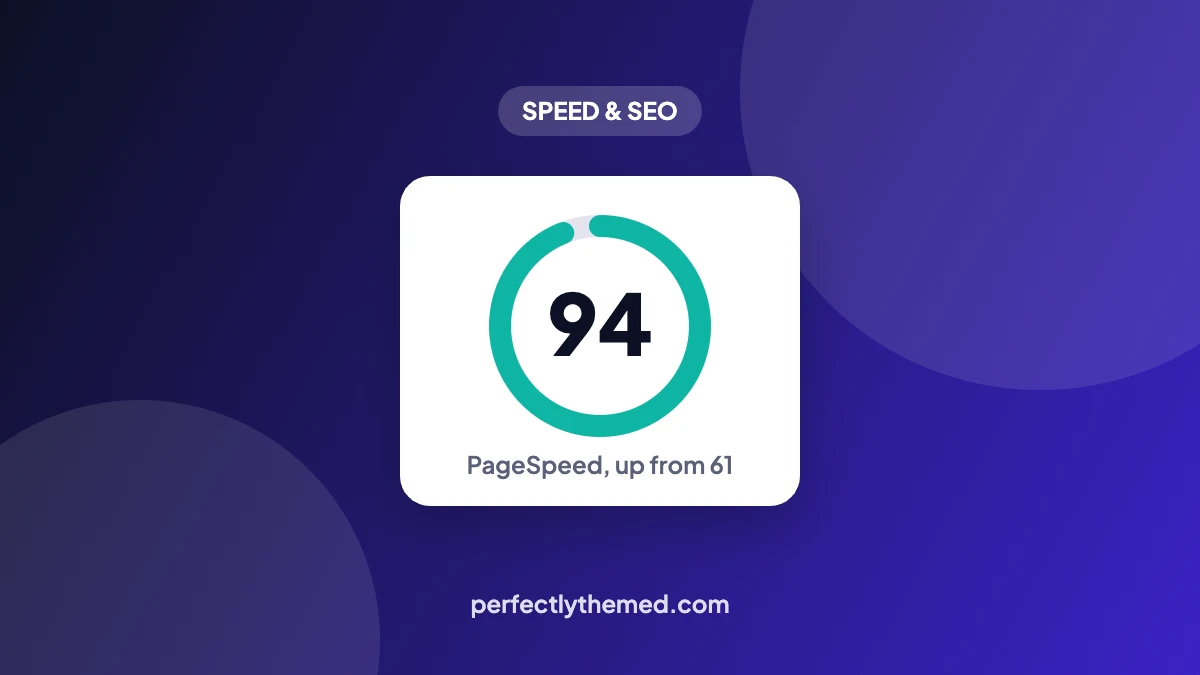
Quick answer: one JavaScript slider was responsible for a 9.5 second Largest Contentful Paint. Replacing it with a static hero took the mobile homepage from 61 to 94 on PageSpeed Insights, with LCP down to 1.6 seconds.
The starting point
The site is one of our own content blogs, a farming site running the Jannah theme. Its homepage opened with the theme’s built-in post slider. On 10 November 2026 PageSpeed Insights gave the mobile homepage a performance score of 61, and the number that stood out was Largest Contentful Paint: 9.5 seconds. Google’s “good” threshold is 2.5 seconds.
Why the slider was so slow
The largest element on the screen was the slider’s first image, and three things stacked up against it:
- The image was a CSS background. The browser’s preload scanner only finds
<img>tags in the HTML. A background image is discovered after the stylesheet is downloaded and parsed, so the download started late. - The slider waited for JavaScript. The slide was only painted once the slider script had loaded and initialised, which on a throttled mobile connection takes seconds.
- Several slides, one visible. The page paid for every slide’s image while the visitor could only see the first.
The fix: a static hero
We removed the slider and built a plain hero section in its place:
- A headline, two buttons and a single image, written as normal HTML
- The image as a real
<img>tag withfetchpriority="high", so the browser requests it first - That image excluded from lazy loading, because lazy loading the LCP image delays it by design
- The hero’s styles in one small CSS file instead of the slider’s stylesheet and script
<img src="hero.webp" width="1200" height="675"
     alt="..." fetchpriority="high" decoding="async">
The result
| Mobile homepage | Before | After |
|---|---|---|
| PageSpeed performance | 61 | 94 |
| Largest Contentful Paint | 9.5 s | 1.6 s |
Replacing the slider was the change between the two tests, and it was worth 33 points.
What we lost, and why it did not matter
A slider rotates several posts through one spot, a static hero shows one message. That is the trade. If the other slides matter, a simple post grid below the hero shows them all at once, with no script and no waiting for a rotation.
How to check your own homepage
- Run your homepage through PageSpeed Insights and open the “Largest Contentful Paint element” section
- If the element is a slider, carousel or background image, you have the same problem
- Check whether the request for that image starts late in the network waterfall, after CSS and JavaScript
- Replace it with a static image in an
<img>tag, addfetchpriority="high", and exclude it from lazy loading in your cache plugin - Clear the cache and test again three times, since single runs vary by a few points
For the full list of fixes in the order they pay off, see how to speed up a WordPress site. If you use LiteSpeed Cache, the lazy load exclusion lives under Page Optimization → Media Excludes. Our LiteSpeed Cache settings guide covers the rest of a safe setup.
Frequently asked questions
Are sliders always bad for PageSpeed?
Not always, but a slider at the top of the page usually becomes the LCP element, and most of them paint only after JavaScript runs. That combination is hard to make fast on mobile.
What is a good LCP score?
Google counts 2.5 seconds or less as good, 2.5 to 4 seconds as needing improvement, and anything above 4 seconds as poor, measured at the 75th percentile of real visits.
Should the hero image be lazy loaded?
No. Lazy loading tells the browser to wait, which is the opposite of what the most important image needs. Lazy load everything below the fold and leave the first image alone.
Does fetchpriority work in every browser?
It is supported in current versions of Chrome, Edge, Safari and Firefox. Browsers that do not know the attribute simply ignore it, so it is safe to add.



Leave a Reply