
Tested on real websites
Pick the right WordPress tools, the first time
Honest reviews of themes, plugins, hosting and SaaS, with speed tests and step-by-step fixes from sites we actually run.

🧪
Tested on live sites
Not on demo installs
⚡
Real speed numbers
PageSpeed before & after
🤝
No paid rankings
Verdicts are never for sale
🔄
Kept up to date
Reviews re-checked often
Editor’s picks
How to Change Fonts in WordPress (Block & Classic Themes)
Change fonts in WordPress: typesets in Styles, Google Fonts and uploads in the Font Library, or the Customizer for classic themes.


Browse by topic
More reviews & guides

Rank Math SEO Review (2026): Is Rank Math PRO Worth It?
Our hands-on Rank Math review: real screenshots from this site, the 45/100 score it gave one of our posts, free…
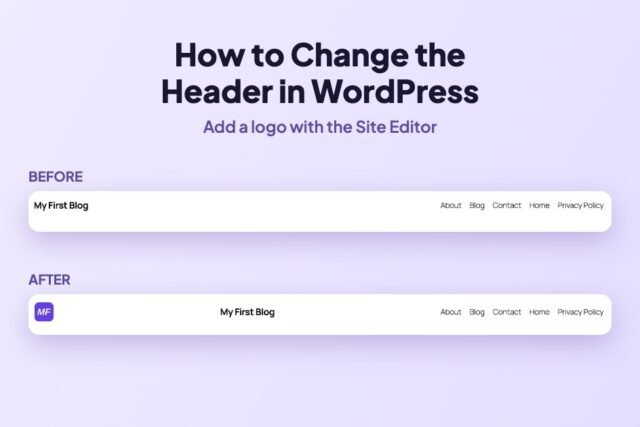
How to Change the Header in WordPress (Add a Logo, Step by Step)
Edit your WordPress header in the Site Editor: open the Header template part, add a Site Logo block, set its…
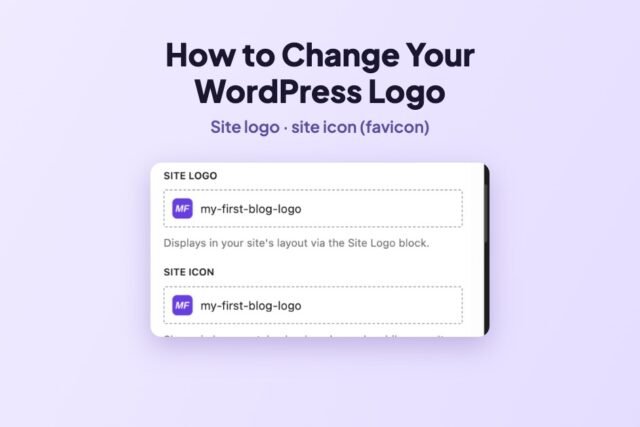
How to Change Your Logo and Site Icon in WordPress
Add or change your WordPress logo and site icon (favicon) from the Site Editor Identity panel, and why the logo…
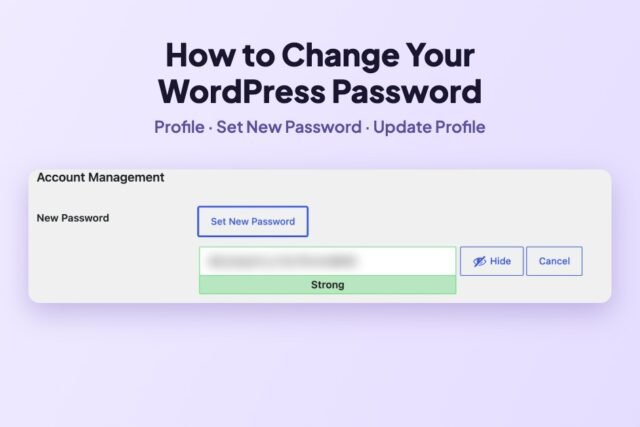
How to Change Your WordPress Password (Step by Step)
Change your WordPress password from Users → Profile in three clicks, change another user’s password, and reset a forgotten one.…
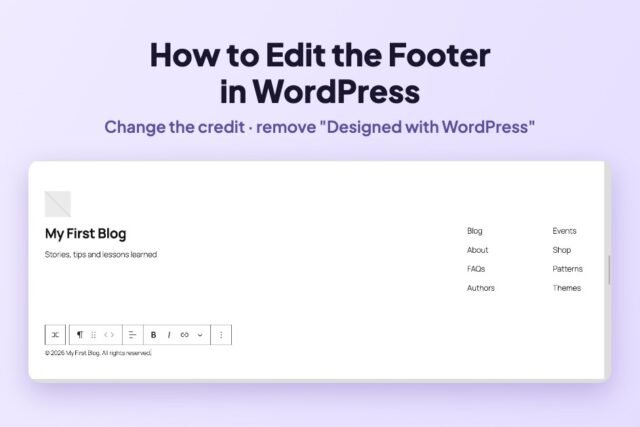
How to Edit the Footer in WordPress (and Remove “Designed with WordPress”)
Change the footer text and remove the “Designed with WordPress” credit in the Site Editor, step by step on Twenty…
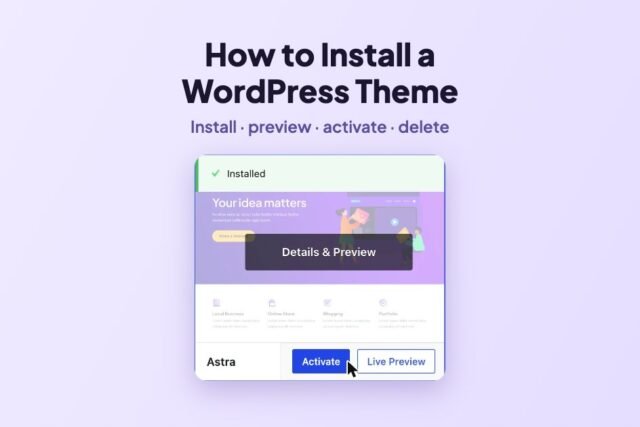
How to Install a WordPress Theme (and Safely Switch or Delete One)
Install, preview, activate and delete a WordPress theme, from the directory or a .zip. Tested with Astra on WordPress 7.1.4.

Our WordPress theme
Launch a fast, SEO-ready site this week
- 99 mobile PageSpeed on this site
- Affiliate boxes, comparison tables, FAQ
- One-click demo import, 4 color styles