
To change your logo in WordPress with a block theme, go to Appearance → Editor → Identity, click Choose logo, upload or pick an image, and save. The same panel sets your site icon (the favicon in browser tabs). With a classic theme, use Appearance → Customize → Site Identity.
We added a logo and site icon to a WordPress 7.1.4 test site running Twenty Twenty-Five on 16 November 2026. One surprise: the logo appeared in the footer but not in the header. Here is why, and how we fixed it.
Step 1: Open Identity in the Site Editor
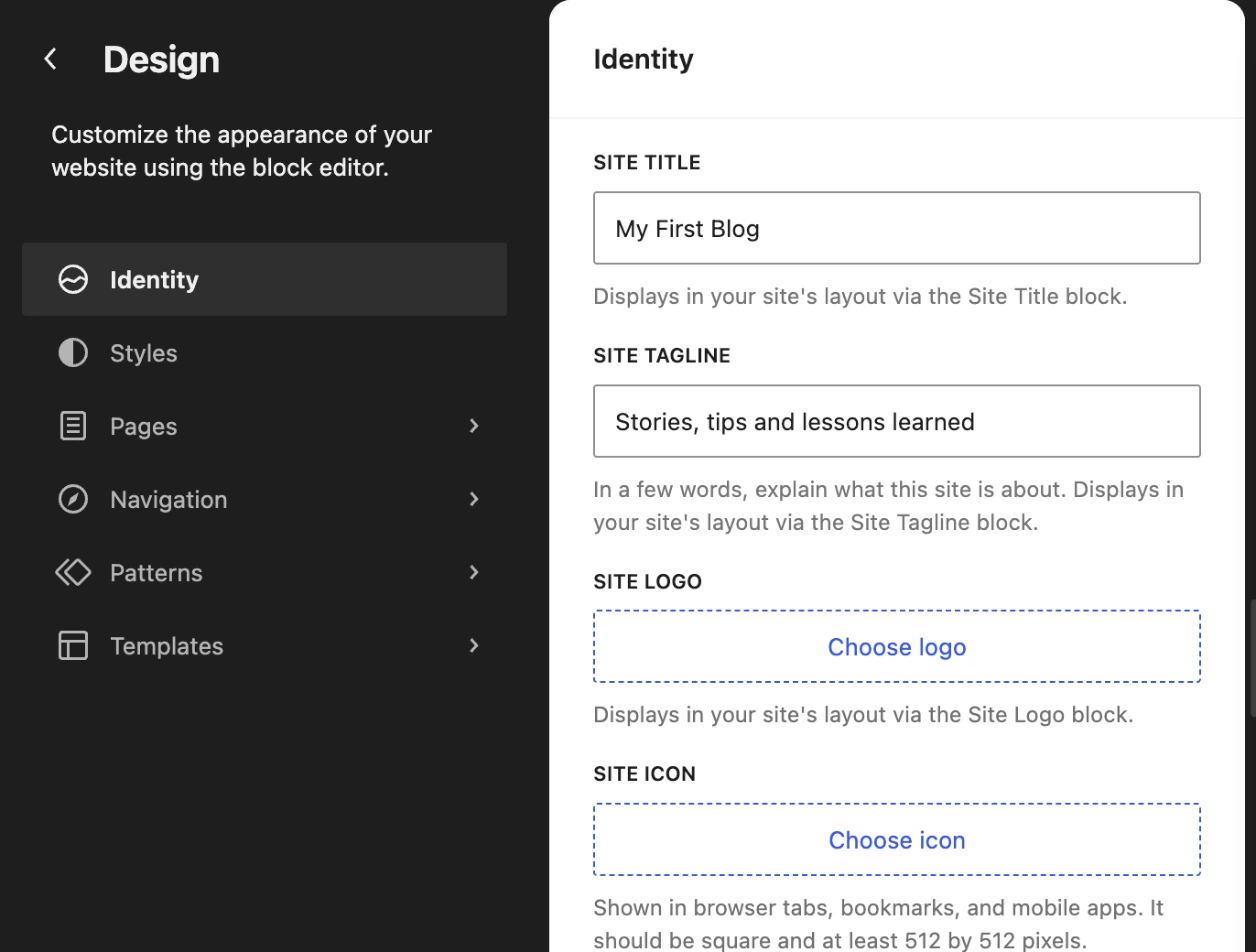
Go to Appearance → Editor and click Identity. You get four fields: Site Title, Site Tagline, Site Logo and Site Icon.
Step 2: Upload your logo
- Click Choose logo.
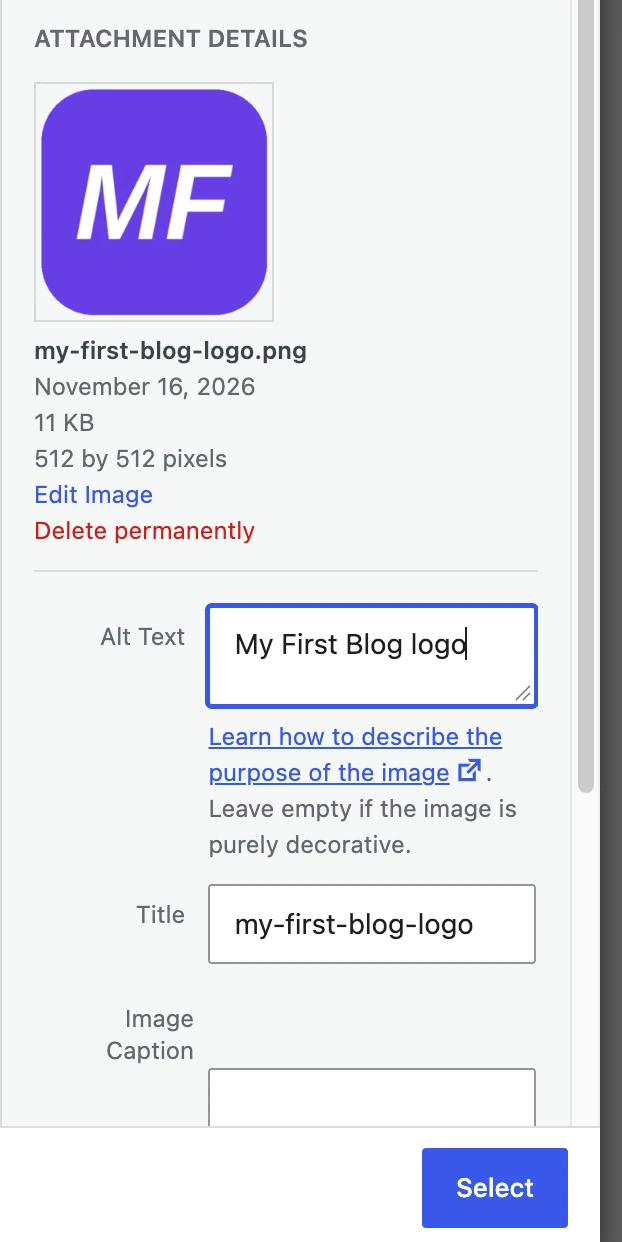
- In Upload files, select your image (a square PNG with a transparent background works best; ours is 512 × 512 px).
- Fill in the Alt Text with your site name plus “logo”.
- Click Select.
Step 3: Set the site icon (favicon)
Click Choose icon and pick the same or a simplified image. WordPress asks for a square image of at least 512 × 512 pixels.
Step 4: Save
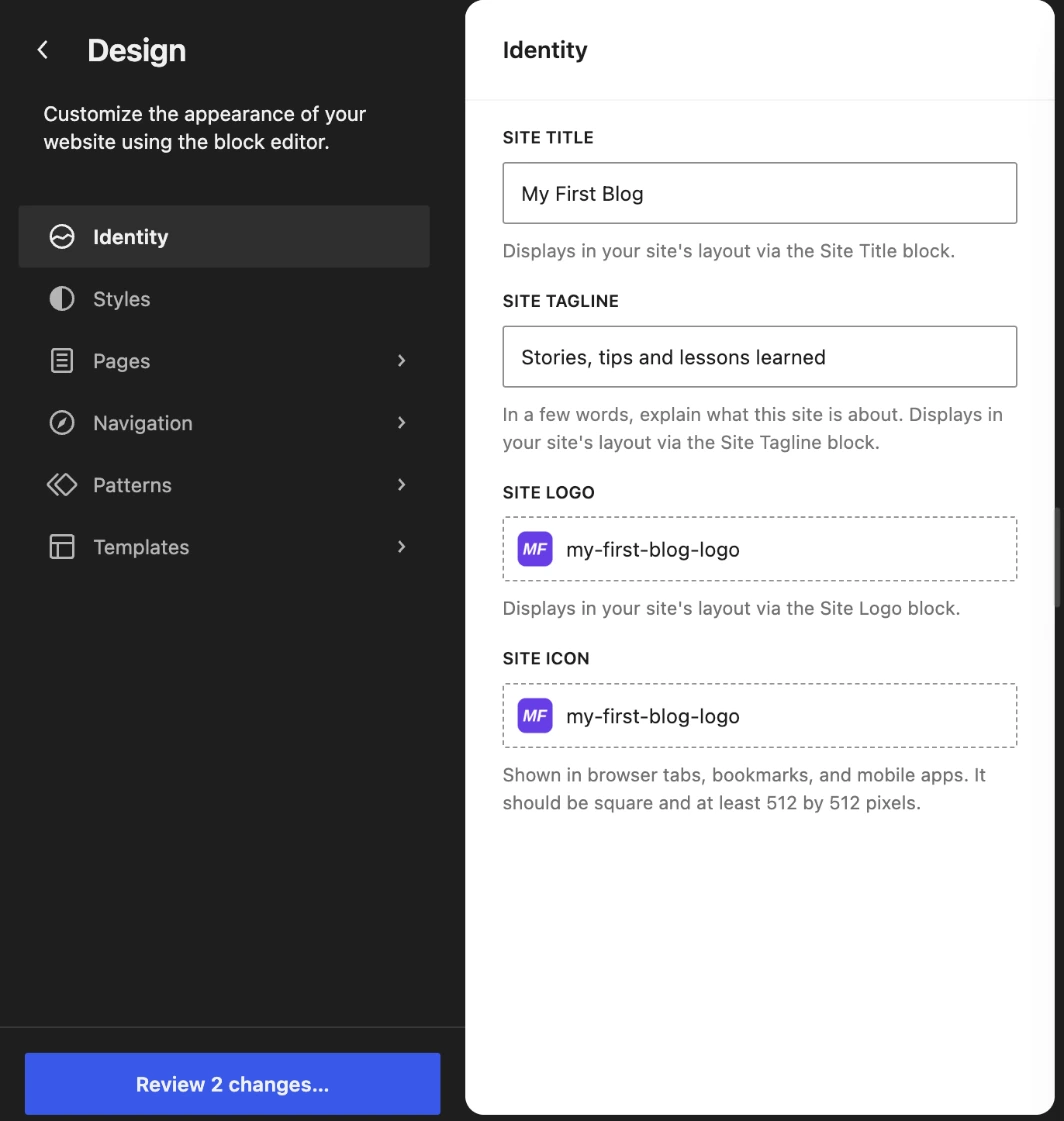
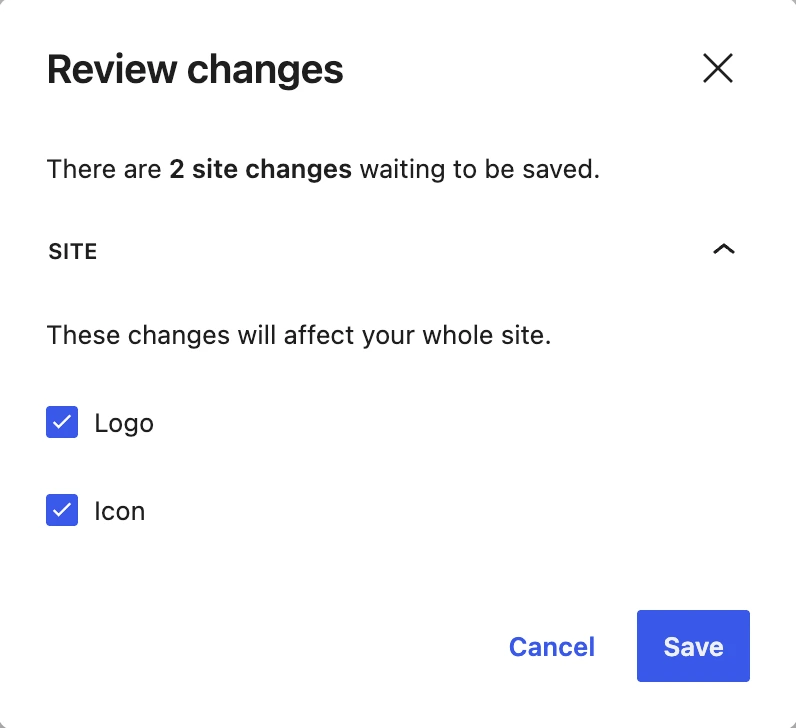
Click Review 2 changes… at the bottom left, then Save.
Where the logo showed up
The site icon appeared right away next to the site name in the admin bar (and in the browser tab). The logo appeared in the footer, above the site title:

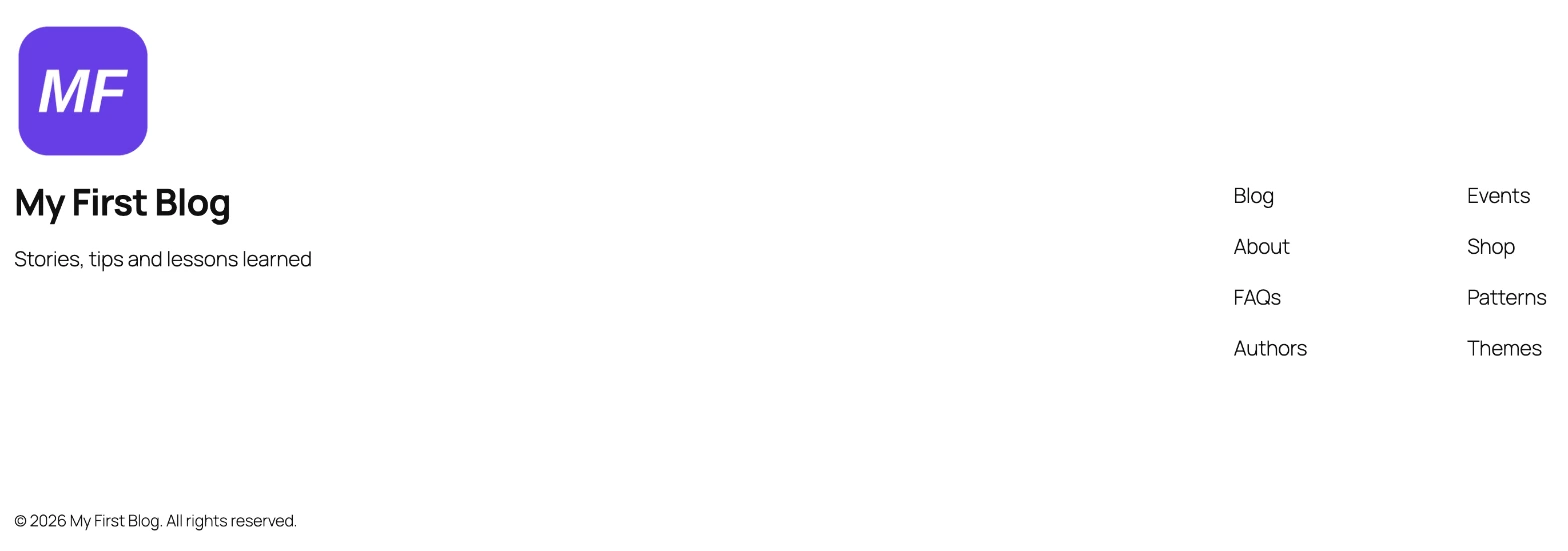
But the header did not change. The Identity panel says it plainly: the logo “displays in your site’s layout via the Site Logo block”. Twenty Twenty-Five’s footer has that block, its default header does not. To show the logo in the header, add a Site Logo block to it, which we do step by step in how to change the header in WordPress.
Do not see your logo after saving? On our test site the front end kept showing the old page until we purged the cache (LiteSpeed Cache). Clear your caching plugin and refresh.
Classic themes
If your theme has no Appearance → Editor, go to Appearance → Customize → Site Identity. You will find the logo, site title, tagline and site icon there, and the theme decides where the logo appears.
Frequently asked questions
What size should a WordPress logo be?
There is no single size: it depends on the theme. Upload a sharp, square or wide PNG or SVG-like image around 512 px, then set the display width in the Site Logo block (we used 48 px in the header).
What is the difference between the logo and the site icon?
The logo appears on your pages. The site icon (favicon) appears in browser tabs, bookmarks and mobile shortcuts.
Can I remove the logo later?
Yes. In Identity, click the logo field to replace or remove it, then save.


Leave a Reply