
WordPress basics
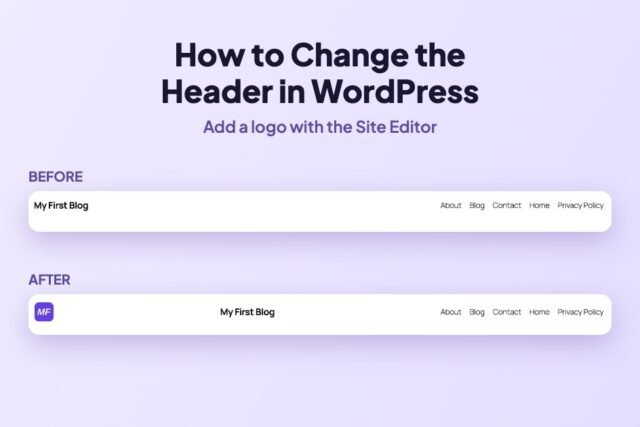
How to Change the Header in WordPress (Add a Logo, Step by Step)
Edit your WordPress header in the Site Editor: open the Header template part, add a Site Logo block, set its size and…
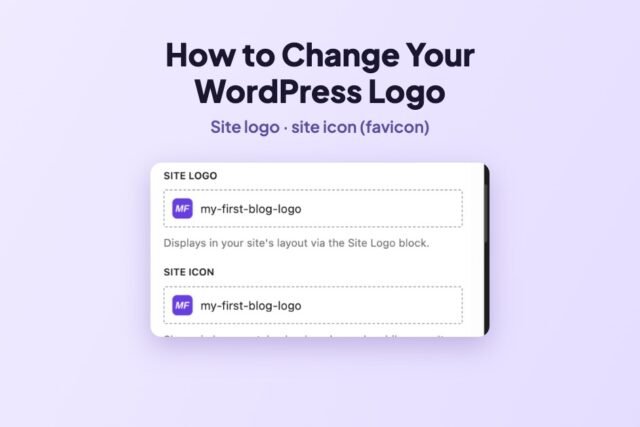
How to Change Your Logo and Site Icon in WordPress
Add or change your WordPress logo and site icon (favicon) from the Site Editor Identity panel, and why the logo may not…
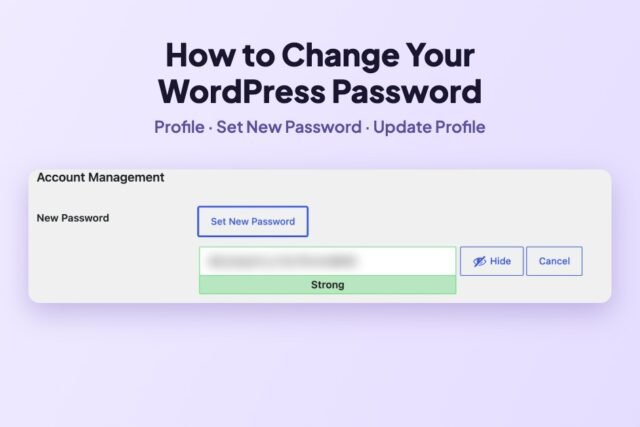
How to Change Your WordPress Password (Step by Step)
Change your WordPress password from Users → Profile in three clicks, change another user’s password, and reset a forgotten one. Real screenshots.
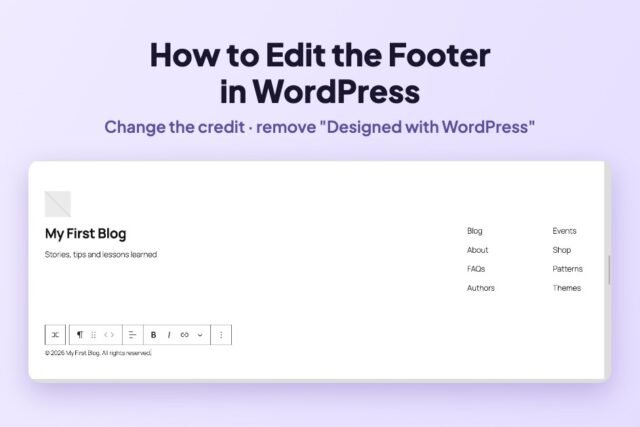
How to Edit the Footer in WordPress (and Remove “Designed with WordPress”)
Change the footer text and remove the “Designed with WordPress” credit in the Site Editor, step by step on Twenty Twenty-Five, plus…
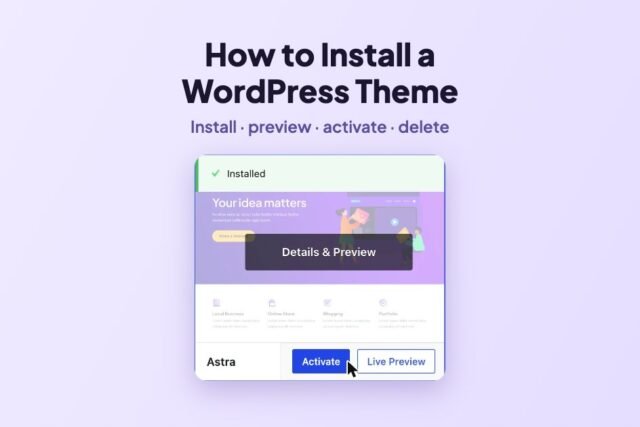
How to Install a WordPress Theme (and Safely Switch or Delete One)
Install, preview, activate and delete a WordPress theme, from the directory or a .zip. Tested with Astra on WordPress 7.1.4.
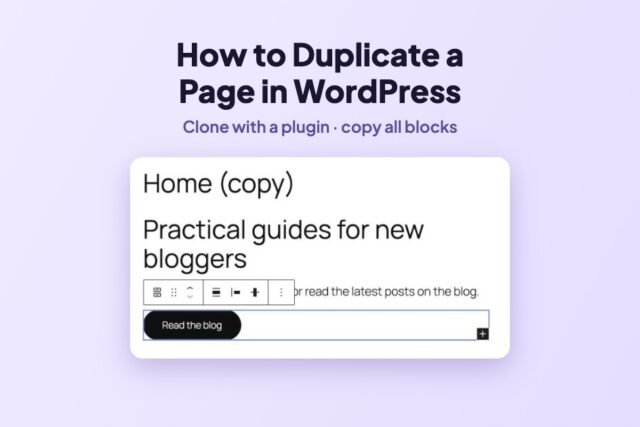
How to Duplicate a Page in WordPress (With or Without a Plugin)
Duplicate a WordPress page with Yoast Duplicate Post (Clone) or with the built-in Copy all blocks. Both methods tested on WordPress 7.1.4.
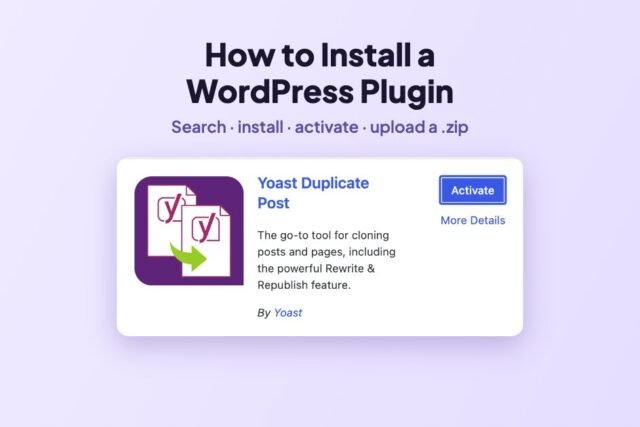
How to Install a WordPress Plugin (Step by Step, With Screenshots)
Install a WordPress plugin from the directory or from a .zip, activate it, and remove it later. Tested on a fresh WordPress…
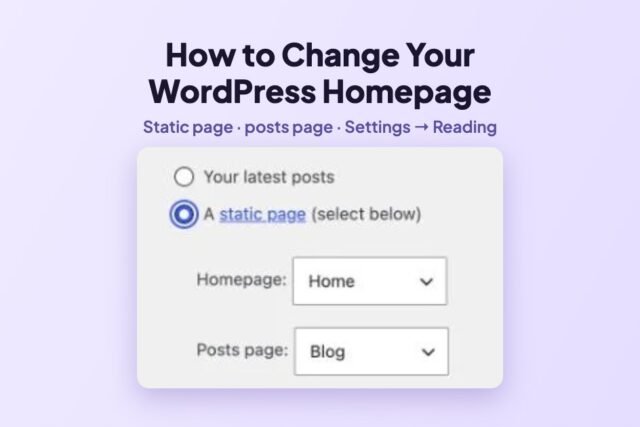
How to Change Your Homepage in WordPress (Static Page or Latest Posts)
Set a static page as your WordPress homepage and move your posts to a Blog page in Settings → Reading. Tested step…
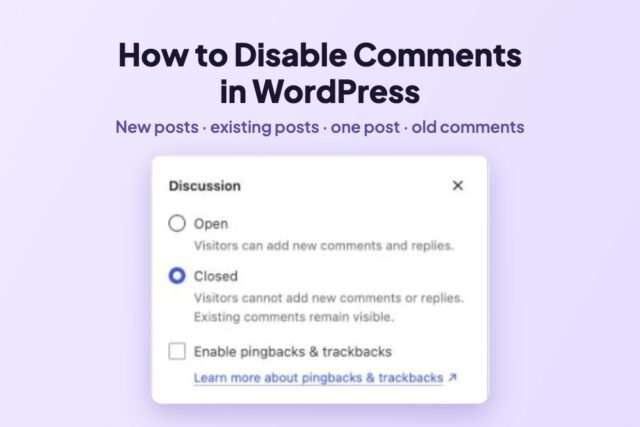
How to Disable Comments in WordPress (Without a Plugin)
Turn off comments for new posts, close them on existing posts with Bulk Edit, close one post, and delete old comments. Tested…
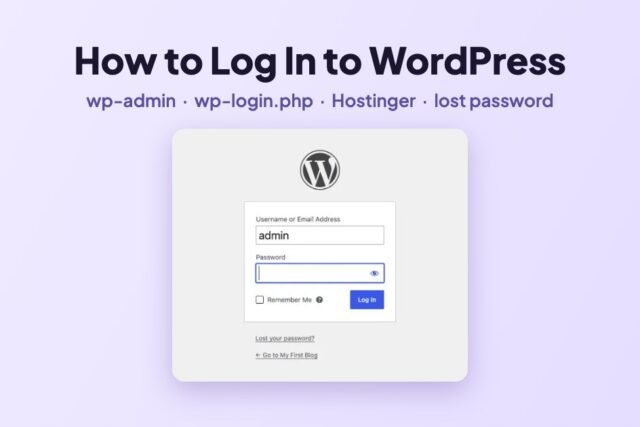
How to Log In to WordPress Admin (wp-admin): Step by Step
Your WordPress login URL, the login screen explained, logging in from Hostinger, resetting a lost password and fixing login loops, with real…