
We test products ourselves and may earn a commission when you buy through our links, at no extra cost to you. Read our affiliate disclosure
Quick answer: Hostinger’s WordPress hosting is a strong choice for a new blog or small business site: fast LiteSpeed servers, a one-minute WordPress install and a simple control panel. Budget for the renewal price, not the first-term price, and pick a plan with daily backups if the site matters to you.
This is not a review written from a free trial. Hostinger has hosted this site since we launched it, on a Business plan we bought in January 2026, and we run several of our own content sites on the same account. Everything below comes from that account: what we measured, what we liked, and what annoyed us. Prices were checked on Hostinger’s website on 15 November 2026.
Hostinger at a glance
| What we checked | Our result |
|---|---|
| Web server | LiteSpeed, with the free LiteSpeed Cache plugin |
| WordPress install time | About one minute (test on 15 November 2026) |
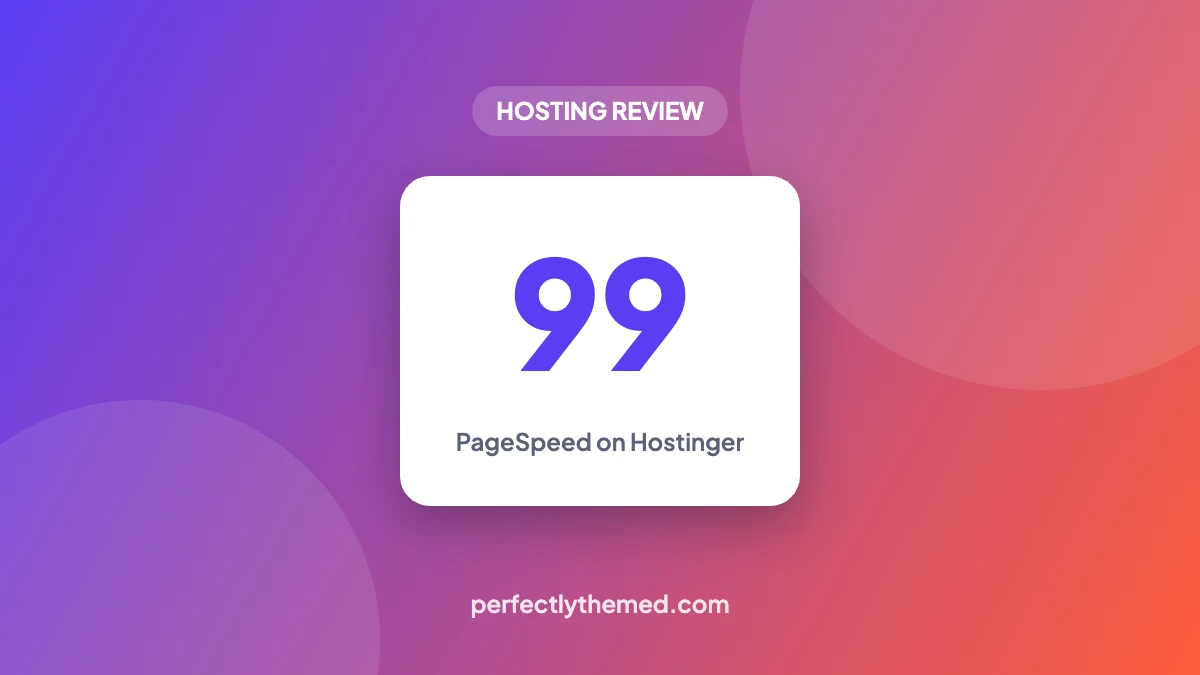
| PageSpeed Insights, mobile | 99 on this site’s homepage (LCP 1.7 s, TBT 0 ms, CLS 0) |
| PHP version on our site | 8.3 |
| SSL | Free certificate, active, HTTPS redirect on |
| CDN | Hostinger CDN, switched on for this site |
| Money-back guarantee | 30 days |
What we measured
Speed is where Hostinger earns its place. On 14 November 2026, this site’s homepage scored 99 for mobile performance in PageSpeed Insights, with a Largest Contentful Paint of 1.7 seconds and zero blocking time. That result also reflects a deliberately light theme, so read it as “the server is not the bottleneck” rather than as a promise for any site.
Two things make that possible on a shared plan. The servers run LiteSpeed, so the free LiteSpeed Cache plugin can serve pages from a server-level cache without PHP running for each visitor. And responses go through Hostinger’s CDN; we saw cache hits from both the CDN and LiteSpeed in the response headers. Our LiteSpeed Cache settings are the ones we run here. For SEO we use Rank Math (why we picked it over Yoast).
We have not yet run a long-term uptime monitor on this account, so we make no uptime claim. We will add the numbers once we have a few months of data.
Setting up WordPress
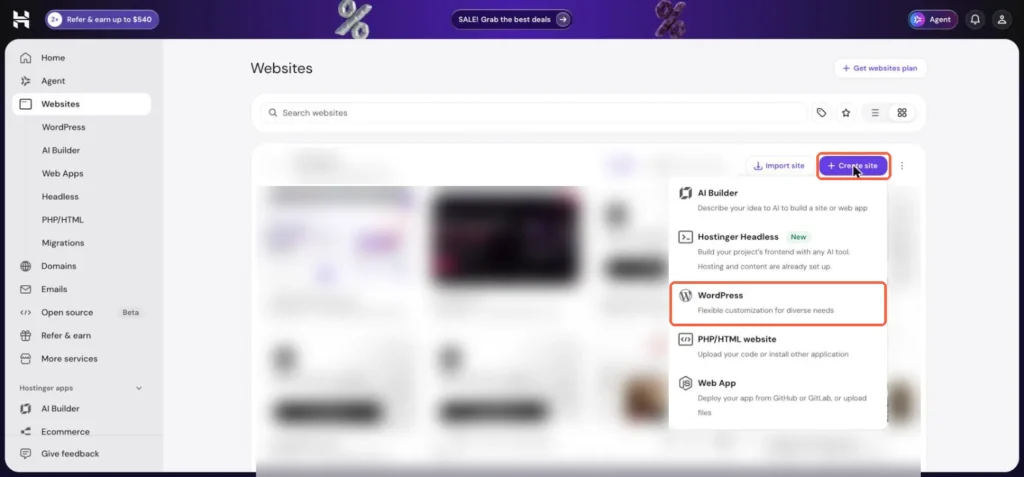
Creating a WordPress site is the smoothest part of Hostinger. In hPanel you click Websites → Create site → WordPress, choose a domain or a free temporary one, set your admin login, and the site is ready. We timed it at about a minute. Our full walkthrough with screenshots is in how to start a WordPress blog on Hostinger.
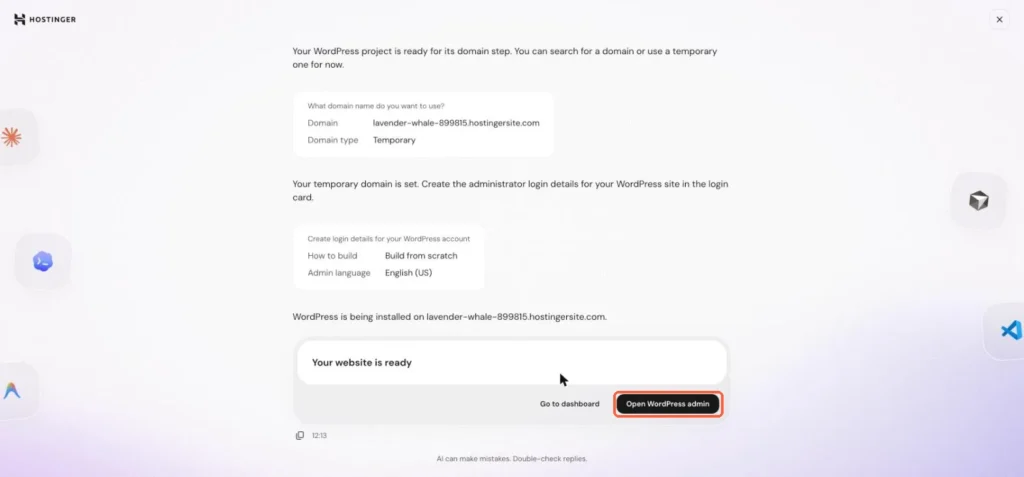
New installs come with a few Hostinger plugins (Hostinger AI, Hub, Reach and Tools in our test). They add onboarding screens and promotions inside WordPress. None are required, and you can deactivate the ones you do not use.
hPanel, the control panel
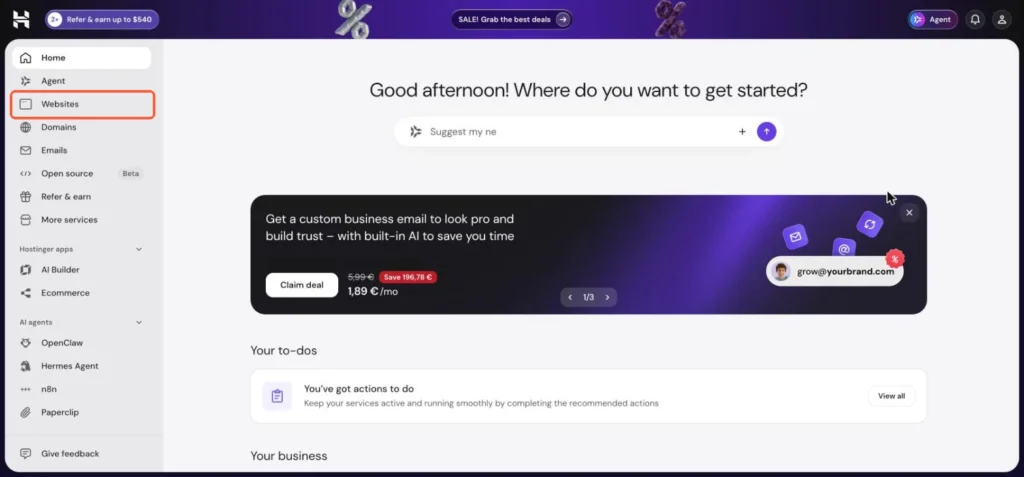
hPanel is Hostinger’s own panel instead of cPanel. Everything you need for a WordPress site sits in one place: the site list, domains, DNS, email, SSL, backups, file manager, PHP settings and cache controls. It is easier for beginners than cPanel.
The downside is noise. The top bar and home screen carry promotions, referral offers and upgrade prompts, and the WordPress dashboard of a new site shows a banner for Hostinger’s email marketing tool. It is easy to ignore once you know where things are, but it is there every day.
Pricing: read the renewal column
| Plan | First term | Renews at | Websites | Storage | Backups |
|---|---|---|---|---|---|
| Premium | $1.99/mo | $10.99/mo | 3 | 20 GB SSD | Weekly |
| Unlimited | $2.79/mo | $16.99/mo | Unlimited | 50 GB NVMe | Daily |
| Cloud Startup | $7.99/mo | $25.99/mo | Unlimited | 100 GB NVMe | Daily and on demand |
Three things to know before you buy:
- The advertised price needs a 48-month term. On the Premium plan that is $95.52 paid upfront
- Renewal is roughly five to six times the promo price. Compare hosts on what you will pay in year five, not in month one
- The cheapest plan backs up weekly. For a site that earns money, daily backups are worth the step up
All plans include a free domain for the first year, free email for the first year, a CDN and the 30-day money-back guarantee.
Pros and cons
Pros
- LiteSpeed servers: 99 mobile PageSpeed on our homepage
- WordPress installed in about a minute
- hPanel is simple for beginners
- Free SSL, CDN and a temporary domain to start before you own one
- 30-day money-back guarantee
Cons
- Promo price requires a 48-month upfront term
- Renewals cost several times the first term
- Weekly backups on the cheapest plan
- Frequent promotions in hPanel and in new WordPress installs
- No long-term uptime data from us yet
Who should choose Hostinger
- New bloggers and small sites who want a fast, low-cost start and a guided setup
- People running several small sites, on a plan that allows more than one website
- Anyone who uses LiteSpeed Cache and wants server-level caching without paying for managed hosting
Look elsewhere if you need guaranteed resources for a high-traffic store, or if you want a provider whose renewal price stays close to the first-term price. Our hosting buying guide lists the questions to ask any host.
Our verdict
A fast, cheap start for a new WordPress blog, if you plan for the renewal price
Hostinger is where this site and several of our own content sites live. Setup is the quickest we know, LiteSpeed caching gives a lightweight WordPress site excellent speed on a cheap plan, and hPanel is easy to learn. The catches are the long commitment needed for the advertised price, renewals that cost several times more, and a control panel that keeps advertising upgrades.
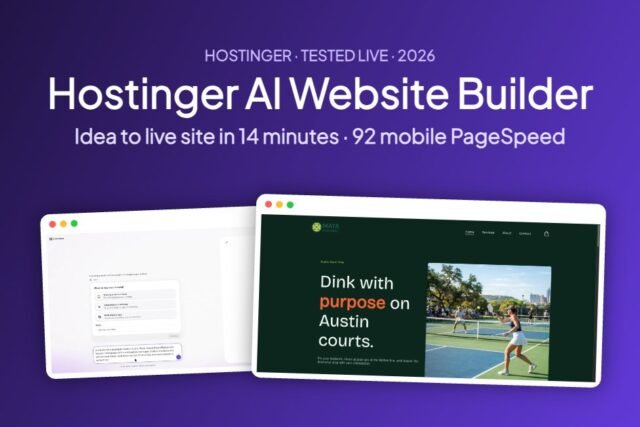
Not set on WordPress? We also tested Hostinger’s no-code option live: see our Hostinger AI Website Builder review.
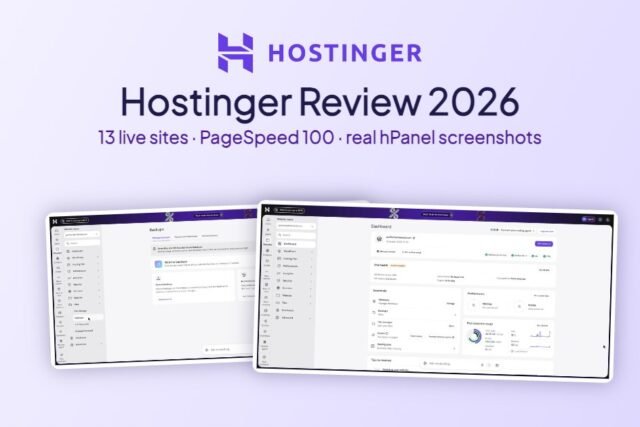
Want the full picture beyond WordPress speed? Read our complete Hostinger review, with every hPanel feature we use.
Frequently asked questions
Is Hostinger good for WordPress?
Yes for blogs and small business sites. Its LiteSpeed servers and LiteSpeed Cache give very good speed on low-cost plans, and installing WordPress takes about a minute. Plan for the renewal price and choose daily backups for important sites.
How much does Hostinger WordPress hosting cost?
On 15 November 2026 Hostinger listed WordPress plans from $1.99 a month on a 48-month term, renewing at $10.99 a month, excluding VAT. Higher plans cost more and include daily backups.
Does Hostinger use LiteSpeed?
Yes. Our sites on Hostinger run on LiteSpeed web servers, so the free LiteSpeed Cache plugin can use server-level page caching.
Can I try Hostinger without a domain?
Yes. During WordPress setup you can choose a free temporary domain and connect your own domain later.
Does Hostinger have a money-back guarantee?
Hostinger lists a 30-day money-back guarantee on its WordPress hosting plans.

Leave a Reply